How to Add Watermark to PDF Documents — Protect Your Content
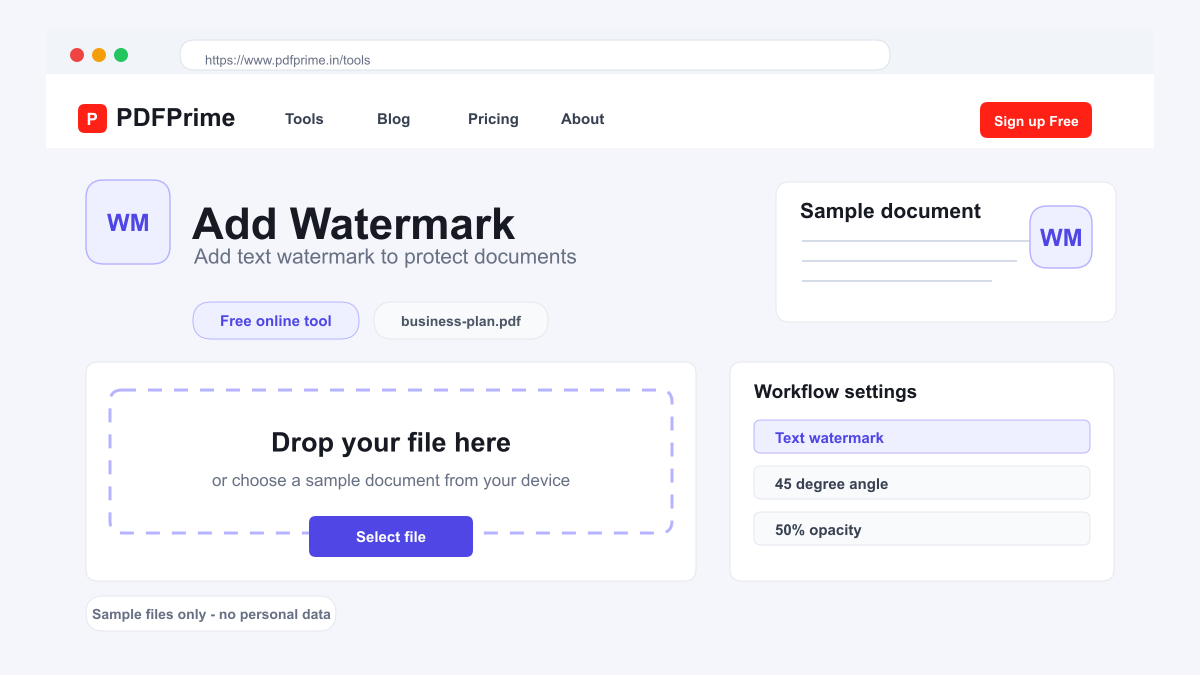
Learn how to add text watermarks to PDF files online for free. Mark documents as confidential, draft, or sample with custom watermarks.
Why Add Watermarks to PDFs?
Watermarks are a simple but effective way to communicate the status of a document. Marking a PDF as Confidential alerts recipients that the content is sensitive and should not be shared. Draft watermarks prevent premature distribution of unfinished work. Sample watermarks protect previews of paid content from being used without purchase.
Beyond status marking, watermarks also discourage unauthorized sharing. When a PDF is marked with a recipient name or company name, it is easier to trace the source of a leak. This makes watermarks a useful tool for legal documents, financial reports, and proprietary business content.
How to Add a Watermark Step by Step
Go to PDFPrime Watermark tool at www.pdfprime.in/tools/watermark. Upload your PDF file. The tool accepts PDFs up to 100MB.
Enter your watermark text. Common options include Confidential, Draft, Sample, For Review, or your company name. Choose the font size — larger text creates a more visible watermark, smaller text is subtle but still readable.
Adjust transparency. Lower opacity creates a subtle watermark that does not distract from document content. Higher opacity makes the watermark more prominent. Select a color that contrasts with your document background. Click Add Watermark to process your file.
Watermark Placement and Best Practices
The watermark is applied diagonally across every page for maximum coverage. This diagonal placement ensures the watermark is visible on each page without completely blocking the document content. Diagonal watermarks are also harder to crop out than edge-only markings.
For confidential documents, use high-opacity red or dark gray text with a large font size. For draft documents, lighter opacity in gray works well. For client samples, a semi-transparent Sample watermark across the center of each page prevents misuse while still allowing the recipient to evaluate the content.
When to Use Watermarks
Legal professionals watermark discovery documents, contracts, and briefs before sharing with opposing counsel. Financial analysts mark confidential reports and investment summaries distributed to select clients.
Marketing agencies add Sample watermarks to campaign previews and creative mockups shared with clients for approval. Publishers protect book proofs and advance review copies with watermarks containing the reviewer name.
Security & Privacy
Files are transferred over HTTPS during upload and processing. The watermarked PDF is available through an expiring private download link. Files are scheduled for deletion after the download window.


Frequently Asked Questions
Can I remove a watermark after adding it?
Watermarks are embedded into the PDF content during processing. Removing them later is difficult. Keep a copy of the original unmarked file for future use.
What text can I use as a watermark?
Any text including Confidential, Draft, Sample, your company name, or custom text of your choice.
Can I adjust watermark transparency?
Yes, you can choose from multiple opacity levels to make the watermark subtle or prominent.
Does the watermark cover the entire page?
The watermark is applied diagonally across each page, providing broad coverage without fully obscuring the document content.