How to Compress a PDF File Size for Email — Reduce PDF Under 10MB
Learn how to compress PDF files for email attachments. Reduce PDF size from 50MB to under 10MB quickly using our free online PDF compressor tool.
Why PDF File Size Matters for Email
Many email services including Gmail, Outlook, and Yahoo limit attachments to 25MB. When your PDF exceeds this limit, you cannot send it directly. Even files under 25MB can be slow to upload and download, causing frustration for both sender and recipient. Compressing your PDF solves this problem by reducing file size while keeping the content readable.
Large PDFs also consume more storage space on your device and in cloud services. They take longer to upload to websites and document management systems. Compressing PDFs before sharing is a good practice that saves time, bandwidth, and storage for everyone involved.
How Much Can You Compress a PDF?
The amount of compression depends on what your PDF contains. Text-only PDFs compress very little, typically 10-30% because text data is already efficient. PDFs with high-resolution images compress significantly, often 50-80% or more. Scanned documents with image-based pages benefit the most from compression.
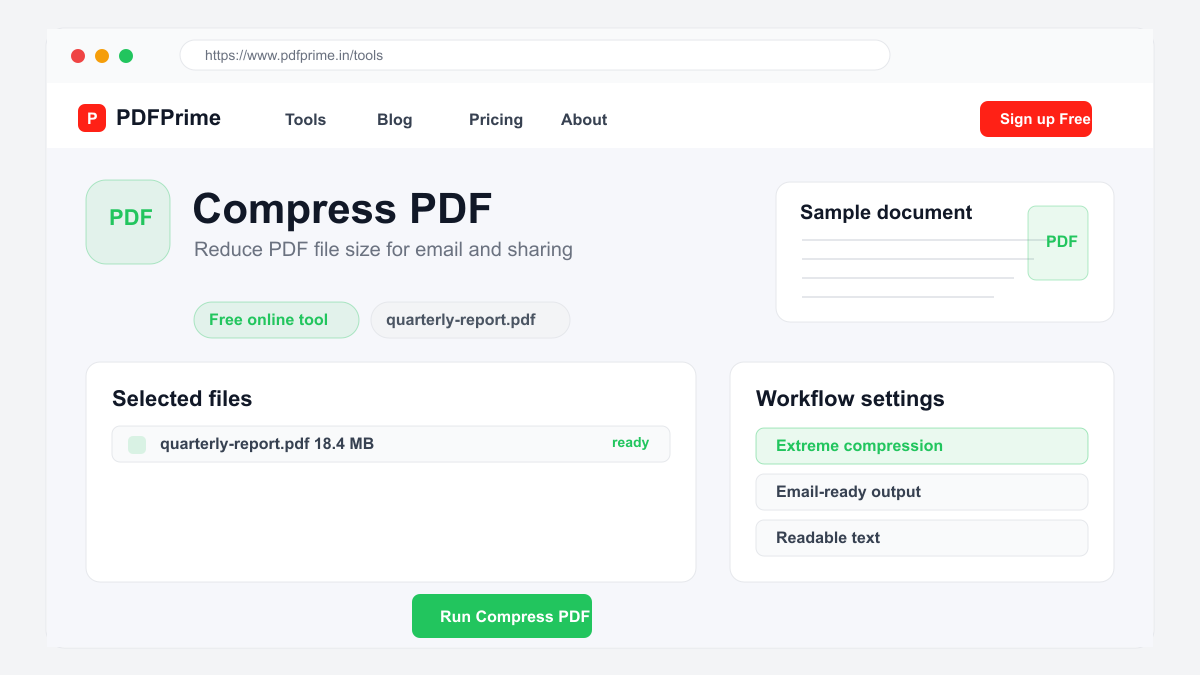
Our PDF compressor offers three compression levels. Extreme compression applies maximum optimization with aggressive image downsampling, ideal for email attachments where file size is the primary concern. Recommended compression balances size reduction with visual quality, suitable for most business documents and reports. Less compression applies minimal changes, removing only redundant metadata while preserving maximum quality for print-ready files.
Step-by-Step Guide to Compress PDF for Email
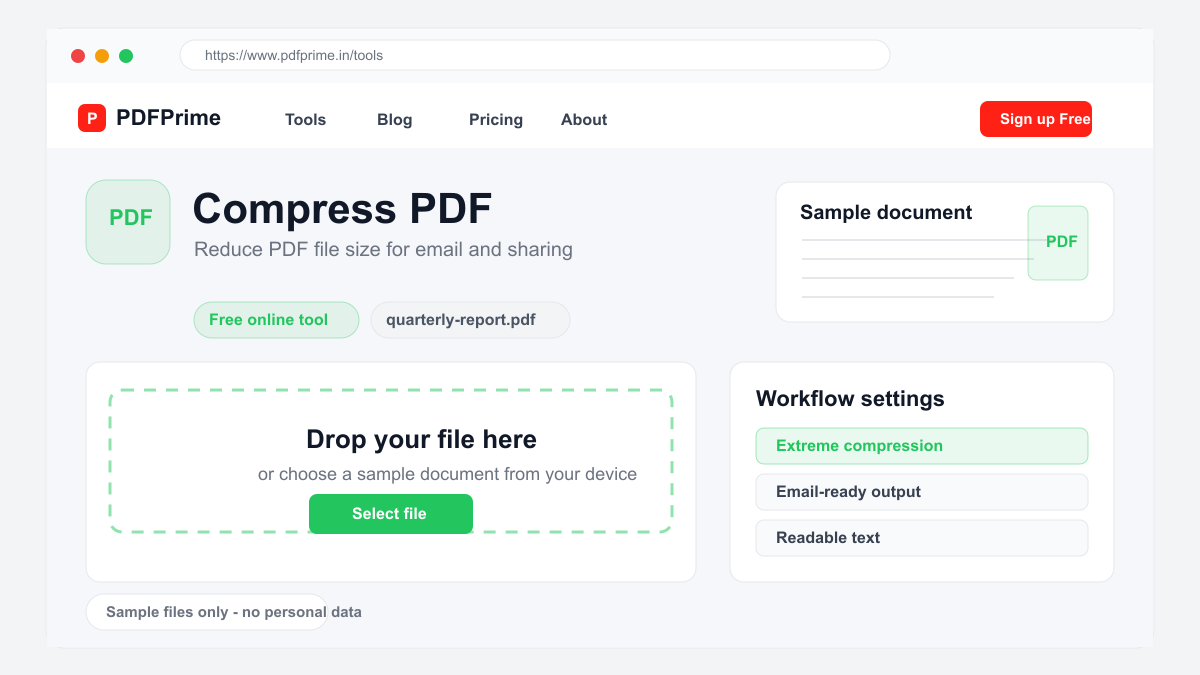
Open your browser and go to PDFPrime Compress PDF tool at www.pdfprime.in/tools/compress. No software installation or account registration is needed. Click the upload area or drag and drop your PDF file. The tool accepts files up to 100MB.
Choose your compression level. For email attachments, Extreme compression is recommended to achieve the smallest file size. If the result is too compressed for your needs, try Recommended level for better quality. Click the Compress button and wait a few seconds for our server to process your file.
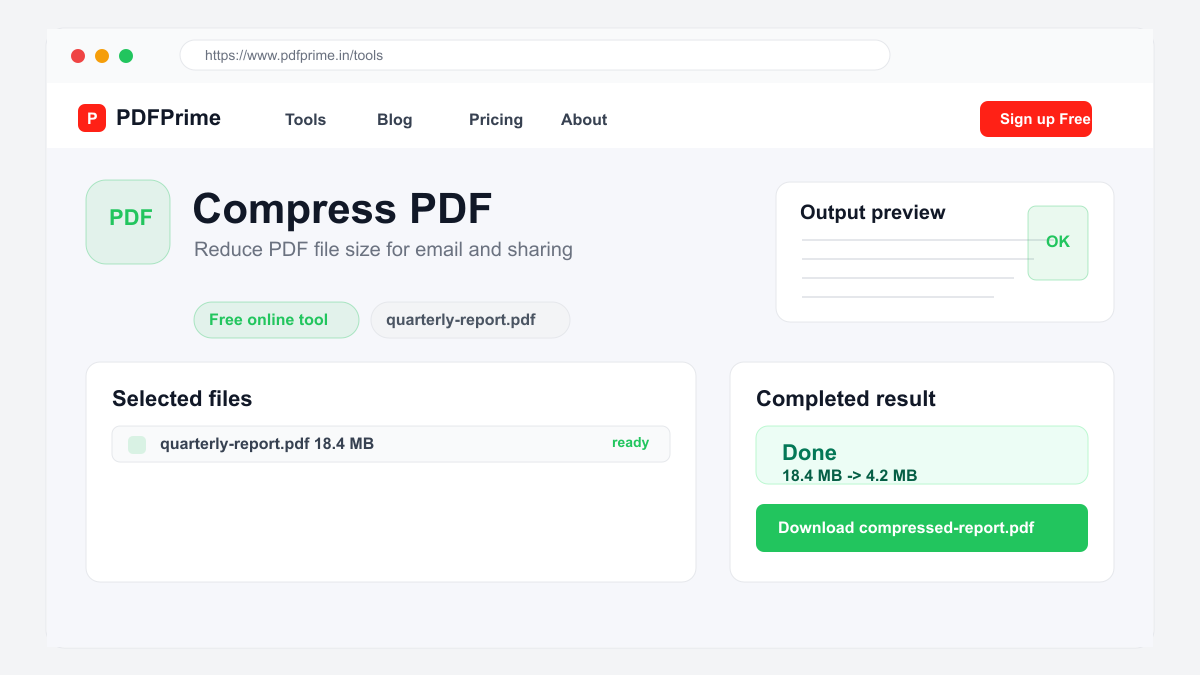
Download the compressed PDF and check the file size. Compare it with your email attachment limit. If the file is still too large, try a higher compression level. The compressed file maintains readable text and recognizable images, making it suitable for most business and personal communication needs.
Alternative Methods to Reduce PDF Size
Before compressing, you can reduce PDF size by removing unnecessary pages using our Split PDF tool. Extract only the pages you need and compress the smaller file for better results. Converting images to grayscale or reducing their resolution in the source document also helps achieve smaller file sizes.
If your PDF contains scanned images, consider using OCR to extract text and recreate the document as a text-based PDF, which is significantly smaller than image-based PDFs. You can also convert the PDF to Word, remove large embedded elements, and convert back to PDF for a smaller final file.
Security & Privacy
Your files are transferred over HTTPS during compression. After processing, the compressed file is available for download through an expiring private link. Files are scheduled for deletion after the download window. We do not read, store, or share your documents.
Frequently Asked Questions
What is the maximum file size for compression?
Our compress PDF tool supports files up to 100MB. For larger files, consider splitting the PDF first and compressing each part separately.
Will compression affect text readability?
No, text content is not affected by compression. Only images and metadata are optimized. Text remains sharp and fully readable at all compression levels.
Can I compress scanned PDFs?
Yes, scanned PDFs often benefit the most from compression since they contain large image data. Extreme compression can significantly reduce scanned document sizes.
Which compression level is best for email?
Extreme compression is recommended for email attachments. It achieves the smallest file size while keeping content readable for most business purposes.