How to Convert PDF to PDF/A for Long-Term Archiving
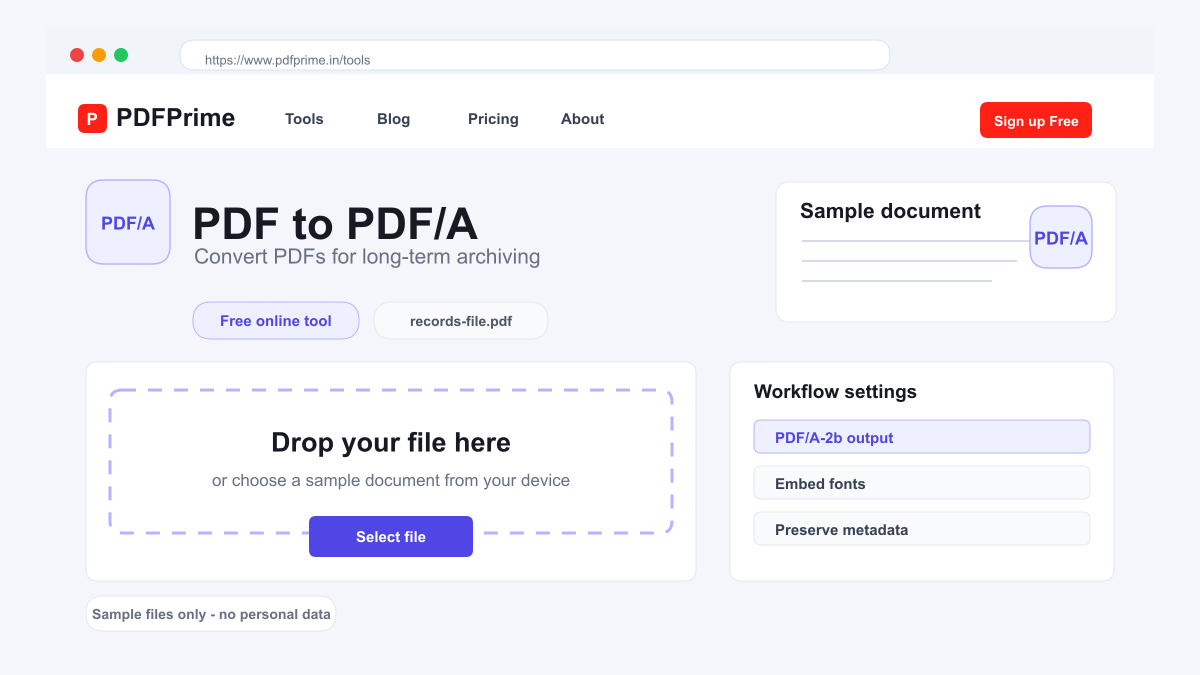
Learn how to convert standard PDFs to PDF/A format for reliable long-term document storage and archival compliance.
What Is PDF/A and Why Use It?
PDF/A is an ISO-standardized version of PDF designed specifically for long-term archiving of electronic documents. Unlike standard PDFs, PDF/A files must be self-contained — all fonts, color profiles, and metadata must be embedded within the file. External dependencies like linked images, fonts stored separately, or executable content are not permitted.
This self-contained nature ensures PDF/A documents look exactly the same today, in ten years, or in fifty years regardless of software or operating system changes. PDF/A is widely required for government records, legal documents, academic theses, and business archives where document integrity over time is critical.
How to Convert PDF to PDF/A Online
Go to PDFPrime PDF/A converter at www.pdfprime.in/tools/pdfa. Upload your standard PDF file. The tool accepts PDFs up to 100MB and converts them to PDF/A-2b format, a widely accepted compliance level.
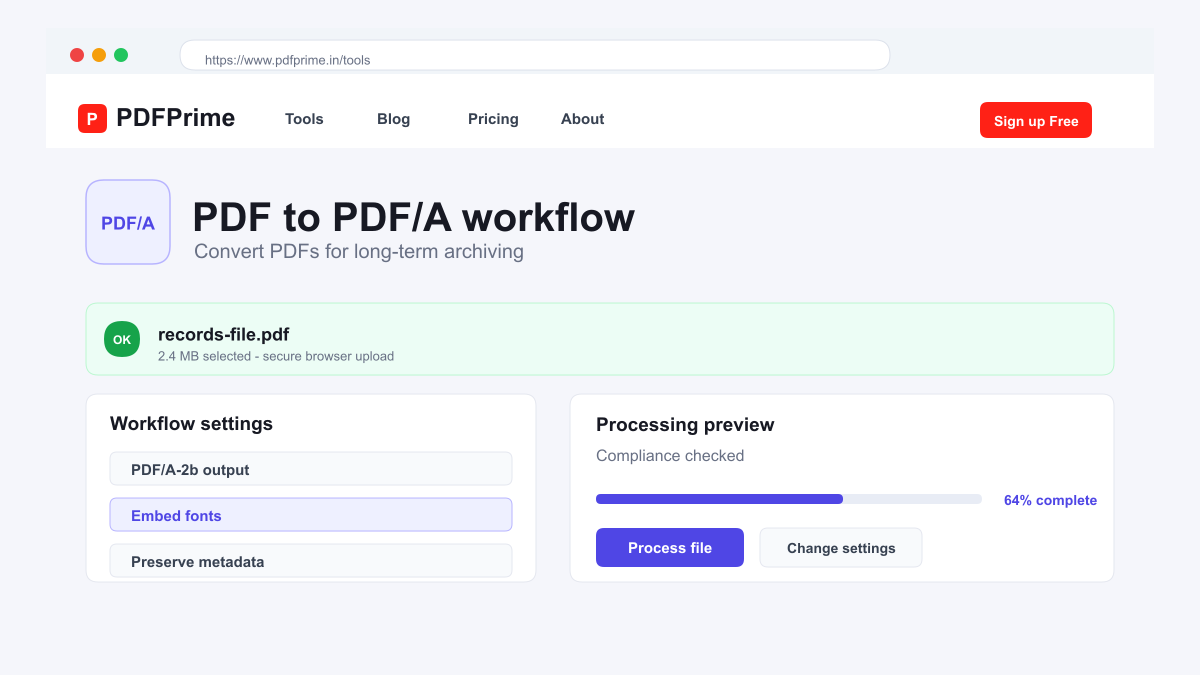
Click Convert. Our server-side Ghostscript engine processes the file, ensuring all fonts are embedded, color profiles are included, and the output meets PDF/A compliance requirements.
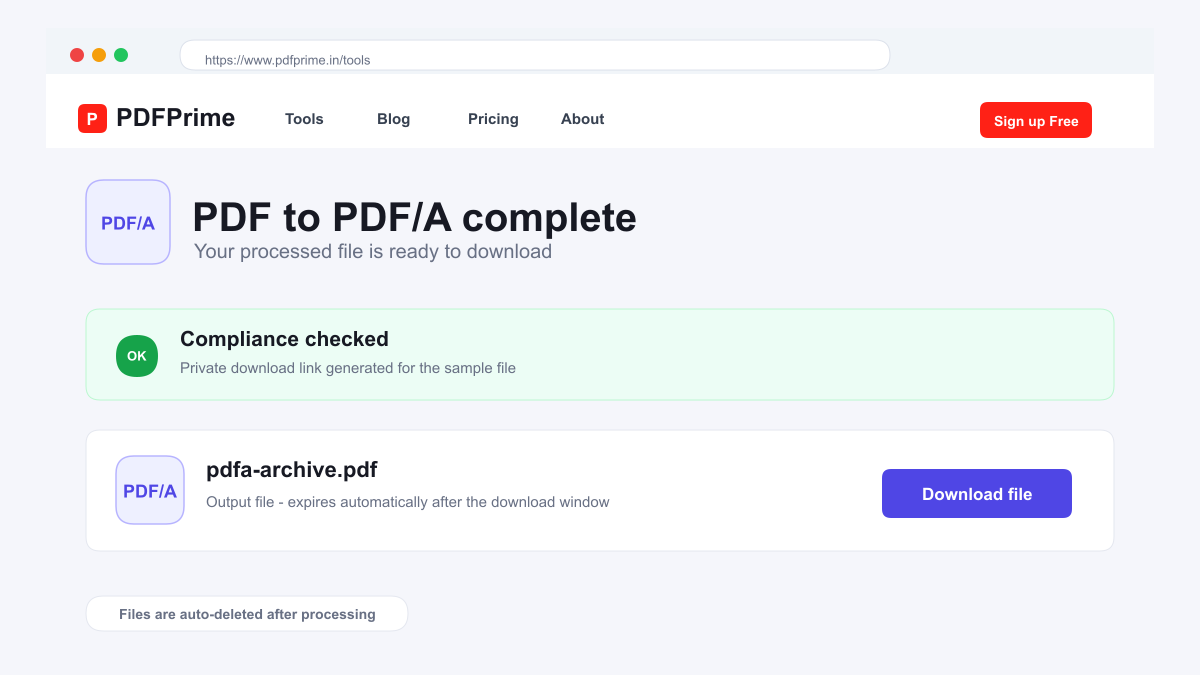
Download the PDF/A file. The converted document is self-contained, making it suitable for archival storage, regulatory submission, and long-term preservation.
PDF/A Compliance Levels Simplified
PDF/A-1b is the most basic level. It requires fonts to be embedded, prohibits audio/video content, and forbids external references. Files must use PDF 1.4 format. Suitable for simple text documents and scanned files where basic archival compliance is needed.
PDF/A-2b builds on level 1 with support for PDF 1.7 features, including layers, transparency, and embedded OpenType fonts. It also allows PDF/A files to be merged together — something not possible in level 1. This is the most versatile archival format for modern documents.
PDF/A-3b permits embedding of any file format within the PDF/A container, including XML, images, or spreadsheets. While our converter outputs level 2b, level 3 is worth knowing about if your archival workflow requires storing source files alongside the PDF.
Who Needs PDF/A Conversion
Government agencies and public institutions require PDF/A for records management and compliance with archival regulations. Legal firms convert contracts and case documents to PDF/A for long-term evidence preservation.
Academic institutions mandate PDF/A for thesis and dissertation submissions to ensure future readability. Healthcare organizations archive patient records in PDF/A format to maintain compliance with record retention requirements.
Security & Privacy
Files are transferred over HTTPS during upload and processing. The PDF/A compliant file is available through an expiring private download link. Files are scheduled for deletion after the download window.
Frequently Asked Questions
What is the difference between PDF and PDF/A?
PDF/A requires fonts and metadata to be embedded within the file, making it fully self-contained for long-term archiving. Standard PDFs may rely on external resources.
Can I edit a PDF/A file?
PDF/A files can be viewed in any PDF reader. Editing is possible with specialized software but may break compliance. Keep an editable original and create PDF/A for archival purposes.
Is PDF/A larger than standard PDF?
Yes, PDF/A files are often slightly larger because fonts and color profiles must be embedded within the file.
Which PDF/A level should I use?
PDF/A-2b is recommended for most use cases. It balances broad compatibility with comprehensive archival features.