How to Convert PDF to PowerPoint (PPT) for Presentations
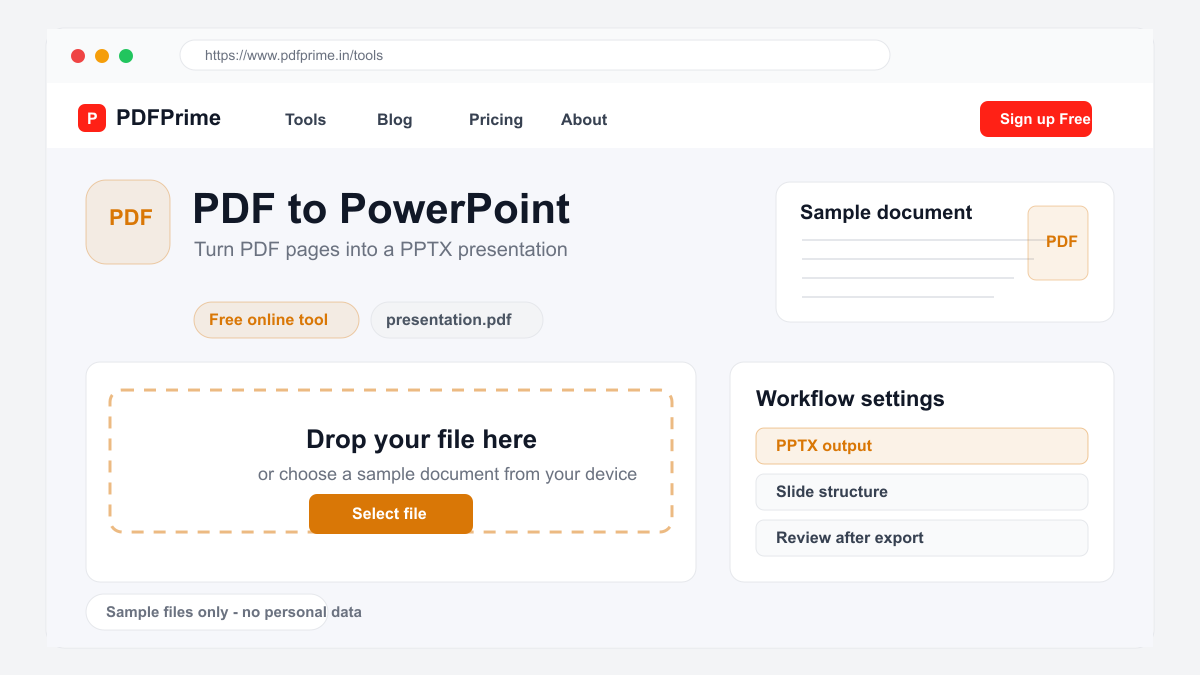
Convert PDF files to editable PowerPoint (PPT/PPTX) presentations online for free. Turn PDF reports and slides into editable presentations.
Why Convert PDF to PowerPoint?
PDFs shared by colleagues or clients often contain presentation content that you need to modify for your own audience. Instead of recreating slides from scratch, converting PDF to PowerPoint lets you start with the existing content and customize it for your presentation needs.
This is particularly useful when you receive a PDF of a conference presentation, a client pitch deck, or training materials. Converting to PPT format allows you to add your branding, update information, rearrange slides, and present with your preferred presentation software.
How PDF to PPT Conversion Works
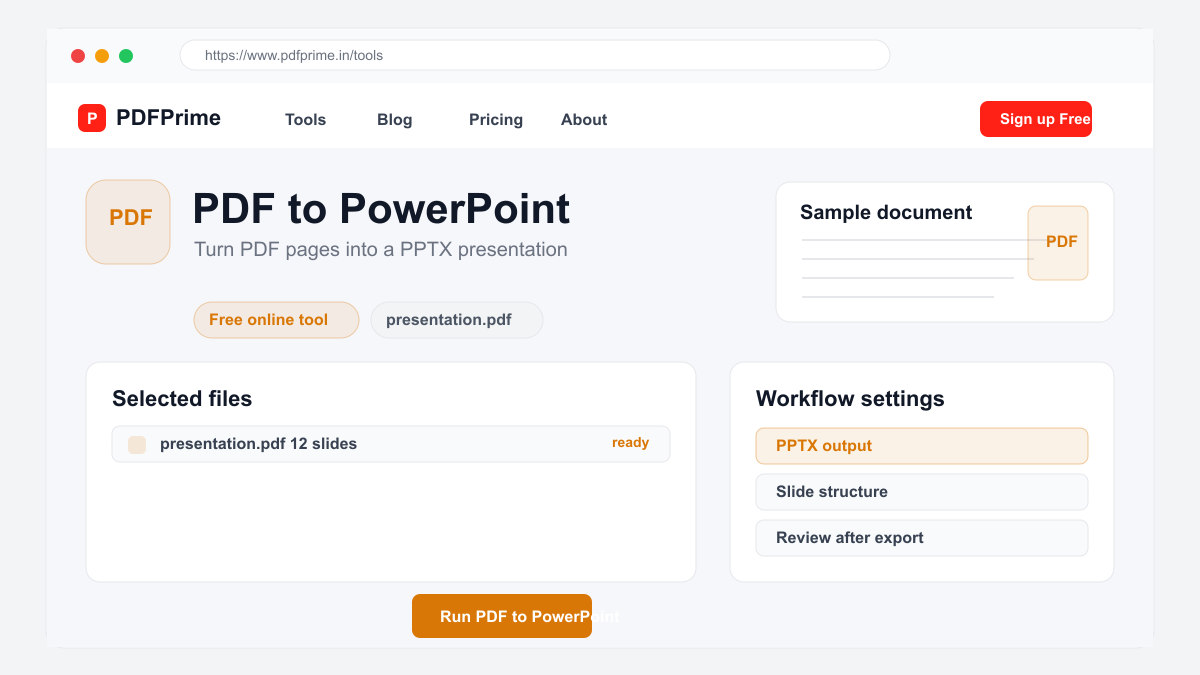
Go to PDFPrime PDF to PowerPoint converter at www.pdfprime.in/tools/pdf-to-ppt. Upload your PDF file. The tool accepts PDF files up to 100MB with multi-page files.
Click Convert. Our server-side processing engine converts each PDF page into a PowerPoint slide. Text content is extracted and placed into editable text boxes on each slide. Images from the PDF are embedded in the corresponding slides.
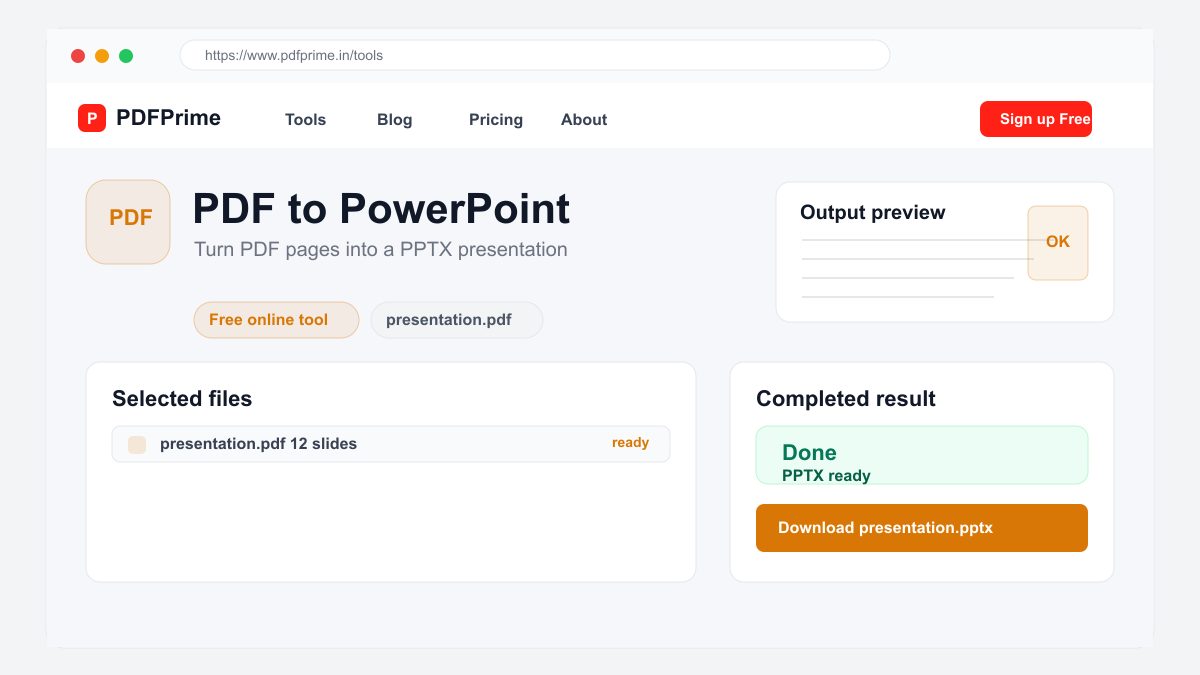
Download the PPTX file. Open it in Microsoft PowerPoint, Google Slides, Apple Keynote, or LibreOffice Impress. Each PDF page becomes a separate slide. Text and images are editable allowing you to customize the presentation.
What to Expect from the Converted Presentation
Text content from your PDF transfers to PowerPoint slides with good accuracy. Simple text layouts with headings and paragraphs produce clean slides. Fonts, colors, and basic formatting are preserved where possible.
Complex PDF layouts with multiple columns, overlapping elements, watermarks, and advanced design features may need manual adjustment in PowerPoint. Each PDF page becomes a single slide. Background colors and simple shapes transfer but intricate vector graphics may be simplified.
Who Needs PDF to PowerPoint Conversion
Business professionals receive pitch decks, quarterly reports, and strategy documents as PDFs that need to be adapted for different audiences. Trainers and educators get course materials in PDF format that need to be turned into engaging slide decks.
Students convert research papers and study materials into presentation slides for class projects and seminars. Marketing professionals adapt client case studies and whitepapers into sales presentations.
Security & Privacy
Files are transferred over HTTPS during upload and conversion. The converted PPTX file is available through an expiring private download link. Files are scheduled for deletion after the download window.
Frequently Asked Questions
Does the conversion preserve slide transitions?
Slide transitions from PDF are not preserved since PDF format does not contain transition data. Standard slides are created in the output PPTX file.
Can I convert a multi-page PDF?
Yes, every page of the PDF becomes a separate slide in the PowerPoint presentation.
Are images preserved in the conversion?
Yes, images from the PDF are embedded into the corresponding PowerPoint slides at their original resolution.
Can I edit text after conversion?
Yes, text is converted to editable text boxes in PowerPoint. You can change fonts, colors, and content in PowerPoint or Google Slides.