How to Convert PowerPoint (PPT) to PDF for Easy Sharing
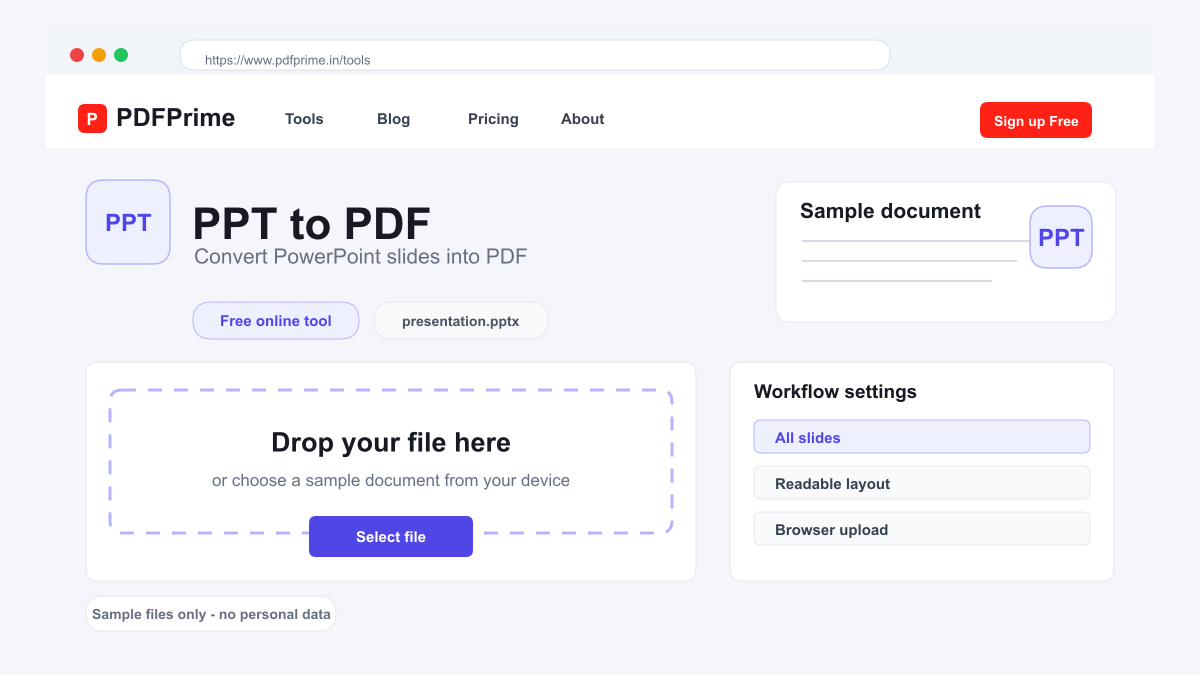
Convert PowerPoint presentations (PPT/PPTX) to PDF format online for free. Preserve slides, fonts, and layout in a universally viewable format.
Why Convert PowerPoint to PDF?
When you share a PPTX file, the recipient may see broken layouts, wrong fonts, or shifted content if they use a different version of PowerPoint or a different operating system. PDF eliminates these compatibility issues. Your slides will appear as you designed them on any device, any operating system, and any PDF viewer.
PDF files are also significantly smaller than PowerPoint files in most cases. Embedded videos, high-resolution images, and animations all contribute to large PPTX file sizes. Converting to PDF strips non-essential elements while keeping your slide content intact, resulting in smaller files that are faster to email and download.
How to Convert PPT to PDF Online
Go to PDFPrime PowerPoint to PDF converter at www.pdfprime.in/tools/ppt-to-pdf. Upload your PPT or PPTX file by clicking the upload area or dragging and dropping. The tool supports all standard PowerPoint formats.
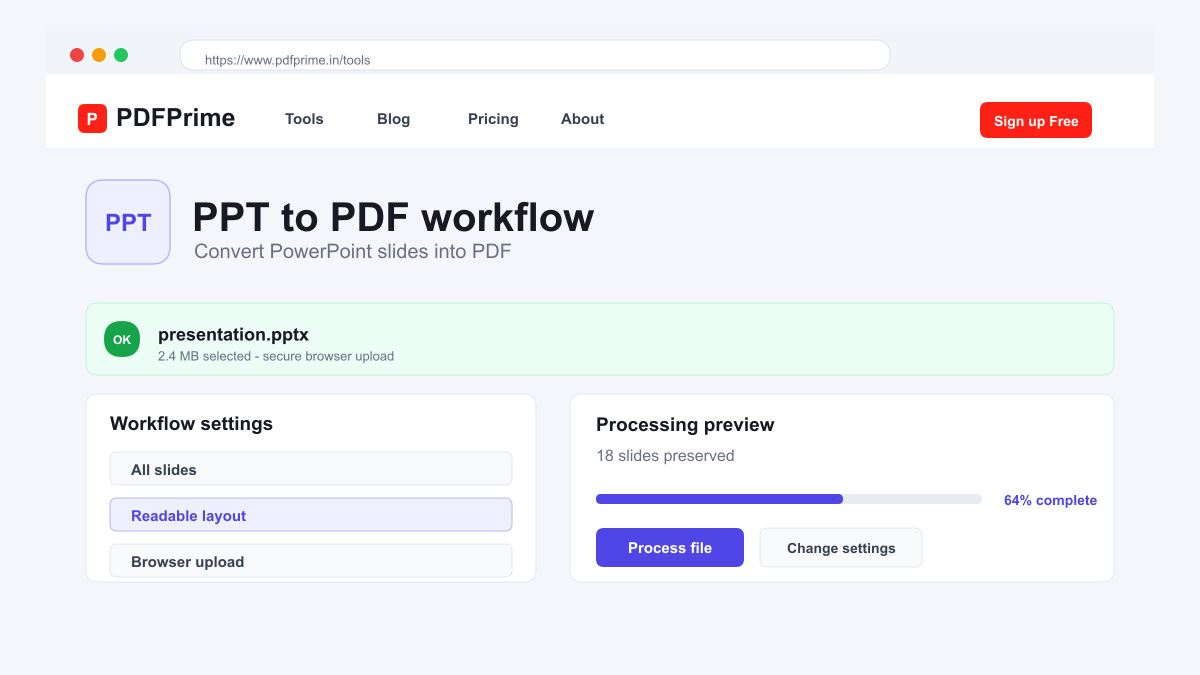
Click Convert. Our server-side LibreOffice engine processes each slide and renders it as a PDF page. Text, images, shapes, charts, and slide backgrounds are preserved in the output.
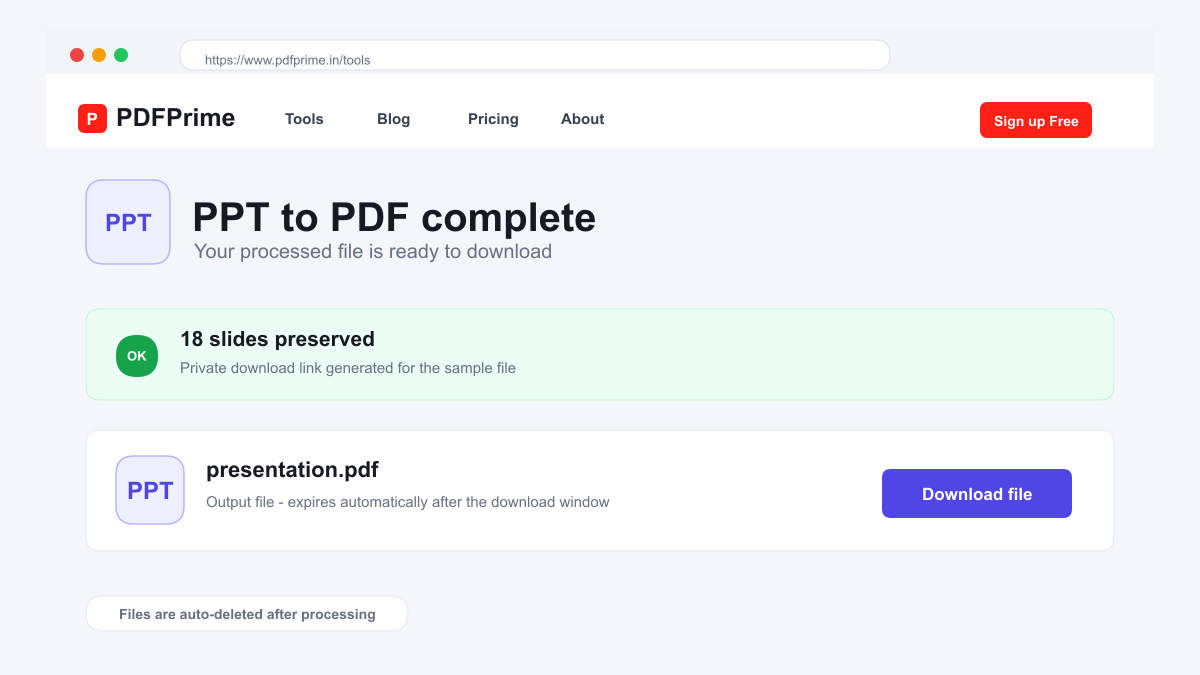
Download the resulting PDF file. Each PowerPoint slide becomes one page in the PDF. Open it in any PDF reader to verify that your slides appear correctly. The PDF can be viewed on phones, tablets, computers, and even printed without any special software.
What Gets Preserved During Conversion
Slide content including text, images, shapes, charts, SmartArt, and tables are all preserved in the PDF output. Slide backgrounds, gradients, and color schemes carry over accurately. Text formatting including fonts, sizes, colors, and alignment remain intact.
Animations and slide transitions are not preserved since PDF is a static format. The final state of each slide is captured as a still frame. Embedded videos and audio files are not included in the PDF output.
Speaker notes and comments from the PowerPoint file are not included in the PDF. If you need speaker notes, print them separately before conversion. Hyperlinks in your slides remain clickable in the PDF output.
Who Benefits from PPT to PDF Conversion
Business professionals share presentation decks with clients and stakeholders who may not have PowerPoint installed. Educators distribute lecture slides to students for study purposes. Conference speakers provide PDF versions of their talks for attendees.
Job seekers convert portfolio presentations to PDF for easy email sharing. Marketing teams share campaign presentations with clients in a universally viewable format. Students save presentation slides for offline study and revision.
Security & Privacy
Files are transferred over HTTPS during upload and processing. The converted PDF is available through an expiring private download link. Files are scheduled for deletion after the download window.
Frequently Asked Questions
Are animations preserved in the PDF?
No, PDF is a static format. Animations and slide transitions are not preserved. The final state of each slide is captured.
Will my fonts be preserved?
Fonts used in the presentation are embedded or substituted with close matches to ensure consistent appearance across devices.
Can I convert PPTX files?
Yes, both PPT (PowerPoint 97-2003) and PPTX (PowerPoint 2007+) formats are supported.
Is the converted PDF smaller than the original PPT?
Yes, PDF files are typically smaller than PPTX files since videos, animations, and other dynamic elements are not included.