How to Convert Word to PDF Without Losing Formatting
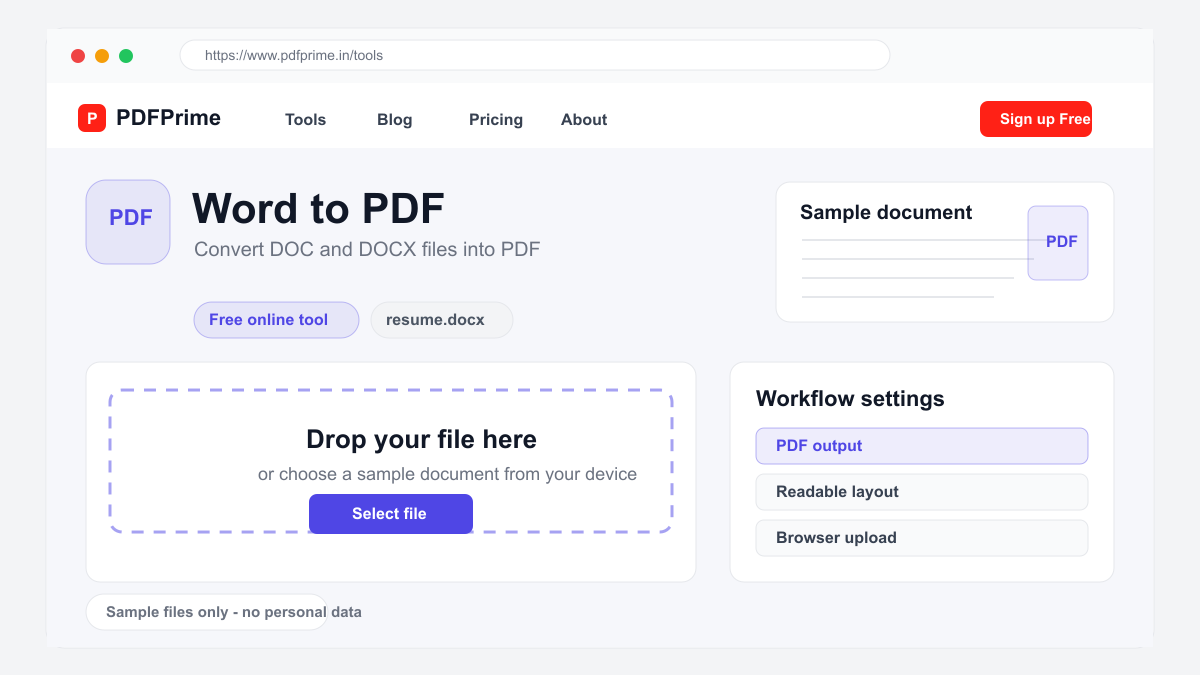
Convert Word documents (DOC/DOCX) to PDF format online for free. Preserve fonts, layout, images, and formatting in the converted PDF file.
Why Convert Word to PDF?
Sharing Word documents often leads to formatting issues, missing fonts, and layout shifts when opened on different devices or operating systems. Converting Word to PDF helps preserve the intended layout so the recipient sees a more consistent version of your document.
PDFs are universally viewable on any device including phones, tablets, and computers without requiring Microsoft Word or any specific software. This makes PDF the preferred format for sharing resumes, contracts, reports, and any document where consistent appearance matters.
How to Convert Word to PDF Online
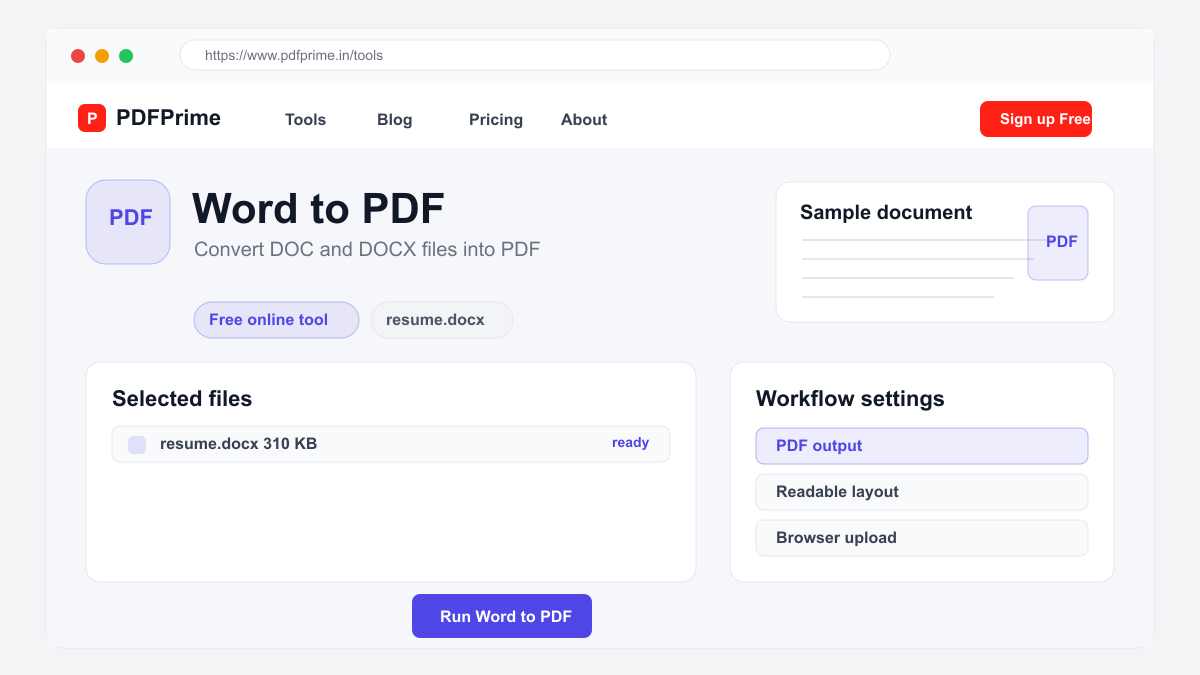
Go to PDFPrime Word to PDF converter at www.pdfprime.in/tools/word-to-pdf. Upload your DOC or DOCX file. The tool supports most versions of Microsoft Word documents.
Click Convert. Our server-side processing engine handles the conversion using LibreOffice for accurate rendering. Pages, margins, fonts, images, and formatting are all preserved in the PDF output.
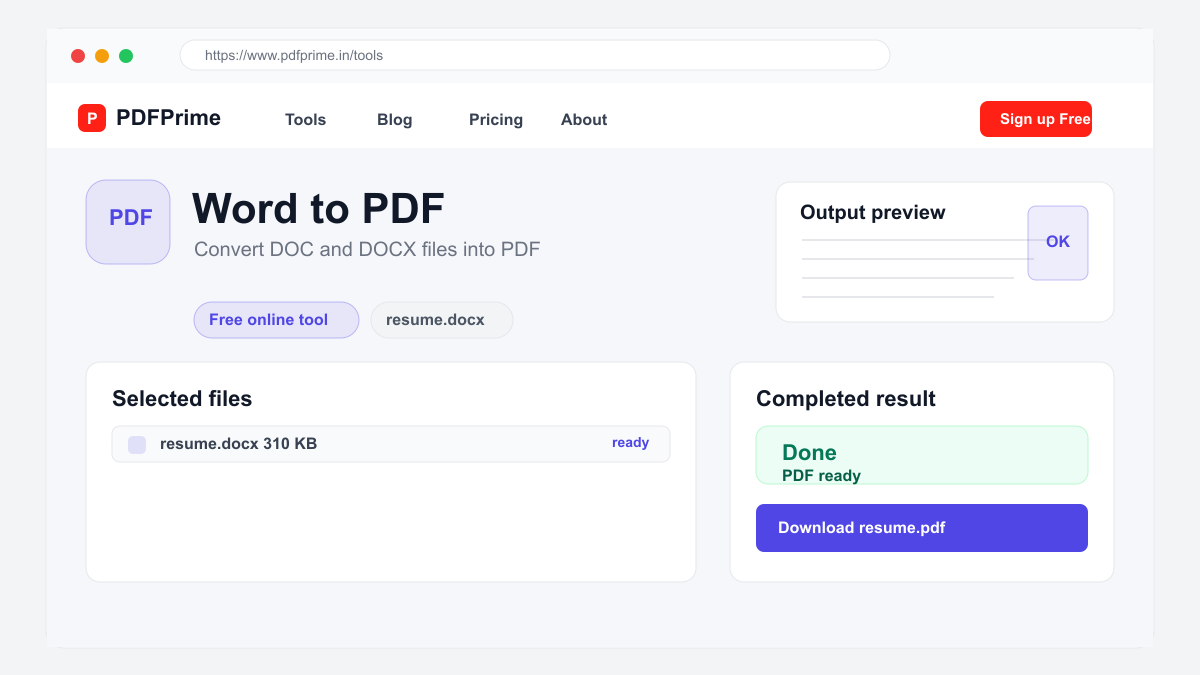
Download the converted PDF file. Open it in any PDF reader to verify the output. The PDF maintains your original document layout including headers, footers, page numbers, and section breaks.
What Formatting Is Preserved
Text formatting including fonts, sizes, colors, bold, italic, and underline transfers accurately. Paragraph styles, headings, indentation, and line spacing are maintained. Bullet points and numbered lists retain their structure and hierarchy.
Tables with cell formatting, borders, merged cells, and shading are preserved in the PDF. Images embedded in the Word document appear in the PDF at their original positions and sizes. Page headers, footers, and page numbers are included.
Section breaks and page margins defined in Word are respected in the PDF output. Comments and tracked changes from Word are not included in the PDF since they are editing features, not document content.
Who Should Convert Word to PDF
Job seekers convert resumes and cover letters to PDF before sending to employers. PDF ensures your carefully formatted resume appears as designed on any recruiter device. Business professionals share contracts, proposals, and reports in PDF format for professional presentation.
Students submit assignments, essays, and theses in PDF format to ensure professors see the correct formatting regardless of their device or software. Authors and writers share manuscripts in PDF for consistent review across different systems.
Security & Privacy
Files are transferred over HTTPS during upload. The converted PDF is available through an expiring private download link. Files are scheduled for deletion after the download window.
Frequently Asked Questions
Are images preserved in the PDF?
Yes, all images from your Word document are embedded in the PDF at their original resolution and position.
Will my fonts be preserved?
Yes, fonts are embedded in the PDF output. If a font is not available on our server, it is substituted with a close match.
Can I convert DOCX files?
Yes, both DOC and DOCX file formats are supported for conversion to PDF.
Do I need Microsoft Word installed?
No, the conversion happens on our servers. You only need a web browser to upload your Word file and download the PDF.