How to Merge Images into a Single PDF File — Combine JPG/PNG
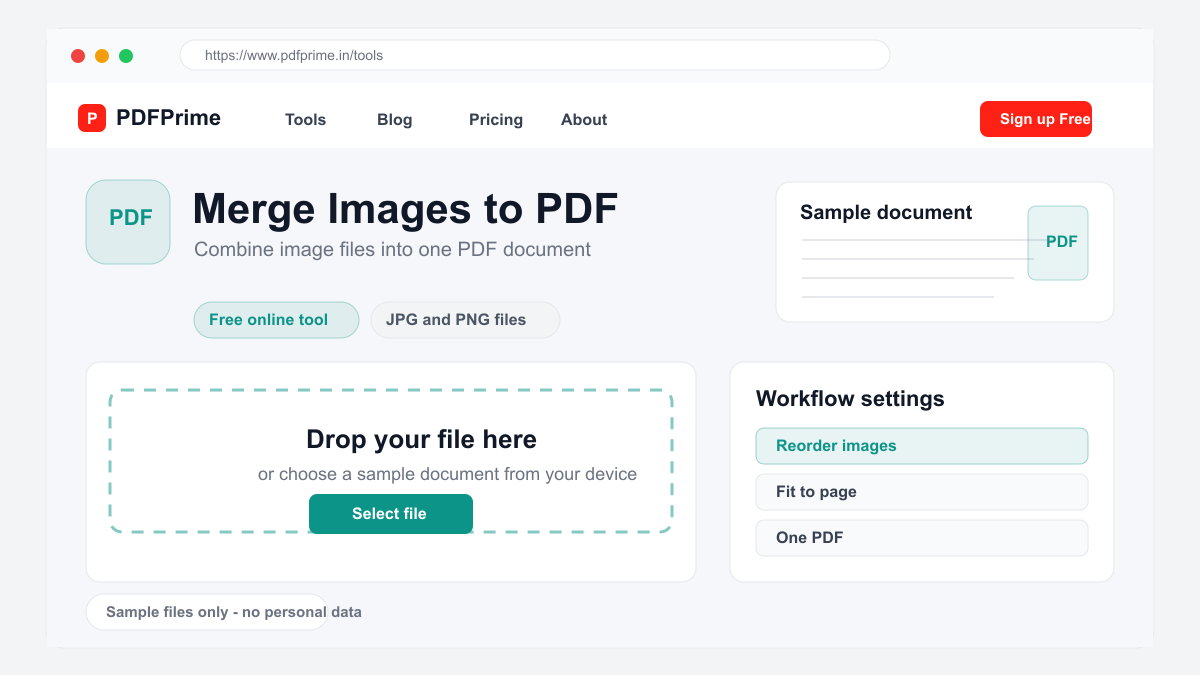
Learn how to combine multiple images (JPG, PNG) into a single PDF document online for free. Create photo albums, portfolios, and document scans.
Why Merge Images into a Single PDF?
When you have multiple images related to the same topic or project, sharing them as separate files is messy and inconvenient. Merging them into a single PDF creates one organized document that is easy to share, print, and archive. Recipients get one file instead of a collection of images.
Image-to-PDF merging is ideal for creating photo albums, compiling scanned documents, building product catalogs, organizing design mockups, and preparing image-based reports. The resulting PDF preserves image quality while making the collection easy to navigate.
How to Merge Images into PDF Online
Go to PDFPrime Merge Images tool at www.pdfprime.in/tools/merge-image. Upload your images by clicking the upload area or dragging and dropping. The tool supports JPG, PNG, BMP, WEBP, and other common image formats.
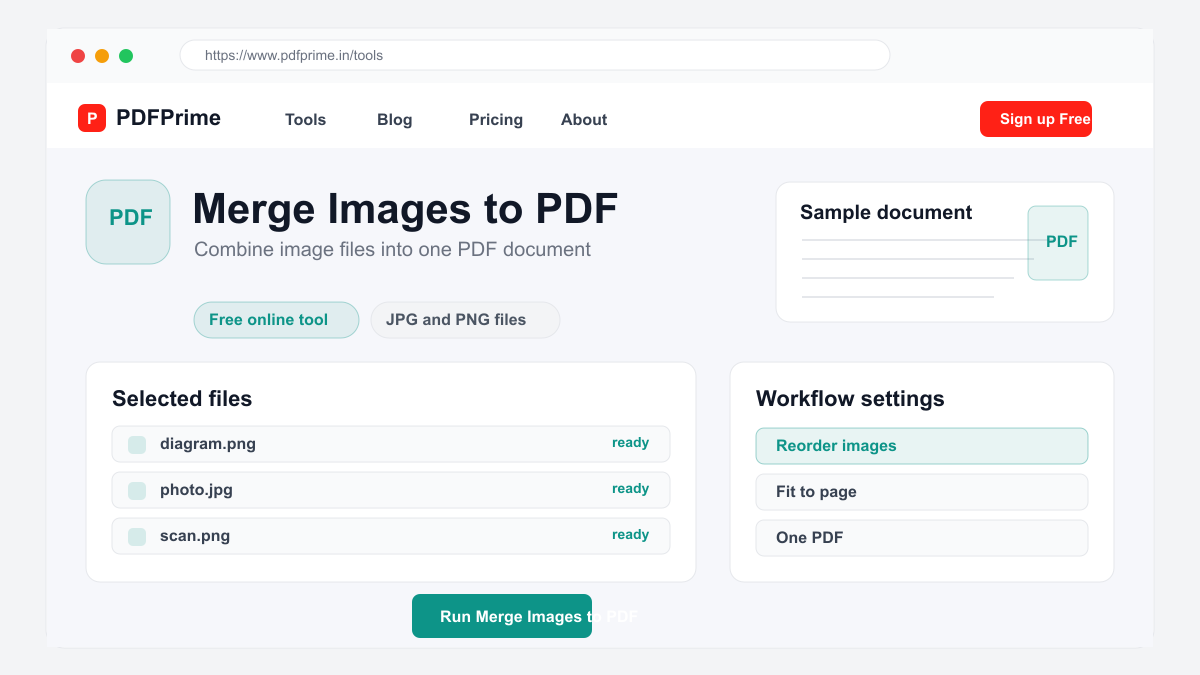
Arrange your images in the desired order. The page order follows the file order by default, which you can rearrange. Each image becomes one page in the PDF. Choose the page layout options including image fit, margins, and orientation.
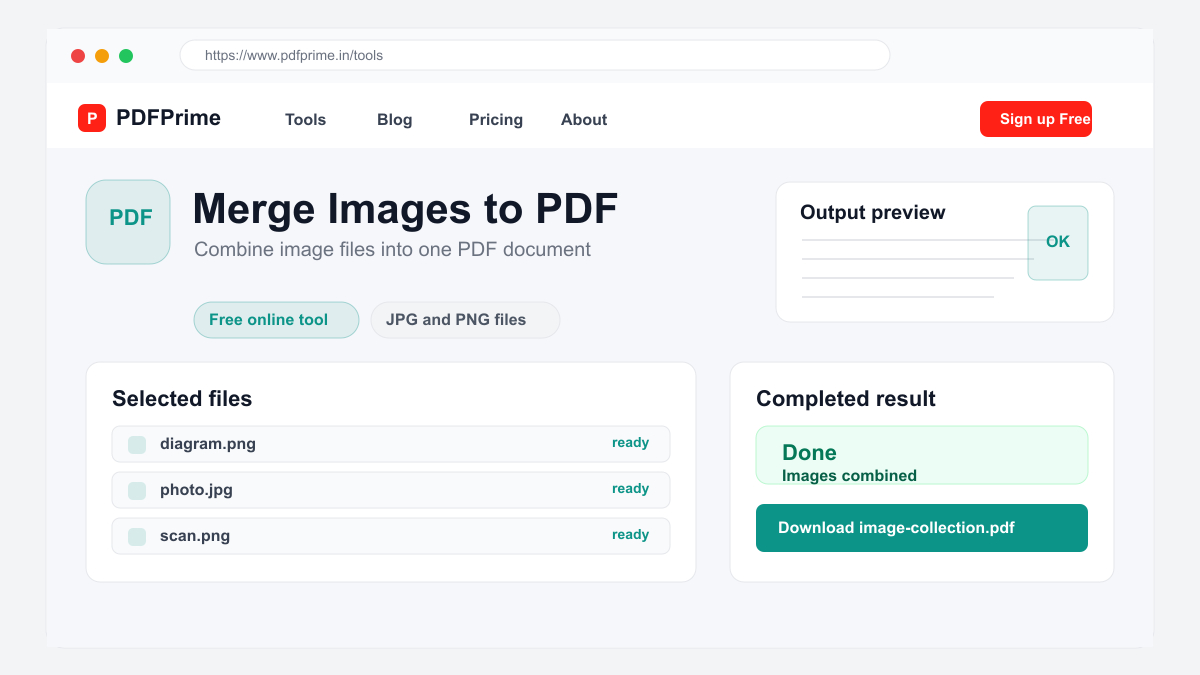
Click Merge to create your PDF. The resulting file has each image on a separate page at its original appearance. Download the PDF and share it as a single organized document.
Layout Options for Image PDFs
Choose how images fit on each page. Fit to page scales your image to fill the entire page, ideal for full-page photos and scanned documents. Original size preserves the image dimensions with margins around the image.
Select page orientation. Portrait orientation works best for documents, letters, and vertical photos. Landscape orientation is better for wide images, presentations, and horizontal photographs.
Who Uses Image to PDF Merging
Photographers create digital portfolios and deliver proof sheets to clients. Real estate agents compile property photos into professional listing documents. Event planners organize venue photos, decoration samples, and inspiration boards into single PDFs.
Teachers collect student artwork and assignments into class portfolios. Business professionals combine product photos, diagrams, and screenshots into reference documents. Insurance agents organize claim photos and evidence into structured claim files.
Security & Privacy
Files are transferred over HTTPS during upload and processing. The merged PDF is available through an expiring private download link. Images are processed for the selected task on our servers and scheduled for deletion after the download window.
Frequently Asked Questions
How many images can I merge?
You can merge up to 20 images in a single session. For more images, process in batches and merge the resulting PDFs.
What image formats are supported?
JPG, PNG, BMP, WEBP, and most common image formats are supported.
Will image quality be reduced in the PDF?
No, images are embedded at their original resolution and quality in the PDF output.
Can I rearrange images before merging?
Yes, you can drag and drop to rearrange images in your preferred order before merging.