How to Merge Multiple PDFs into One Document
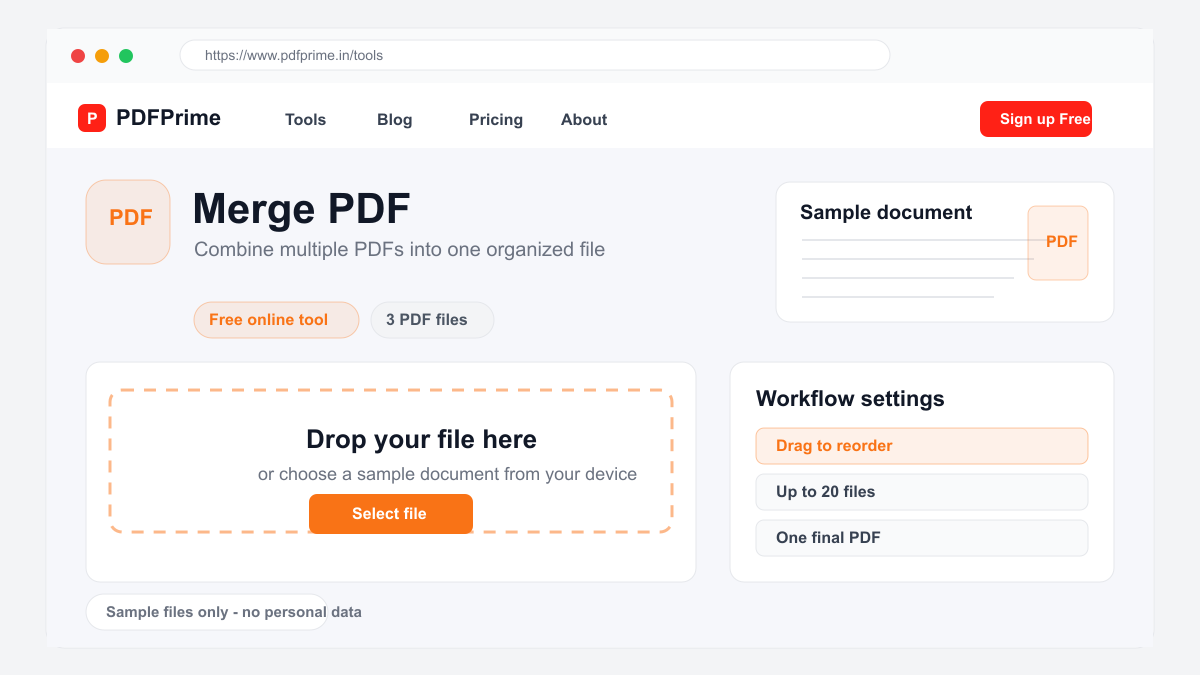
Combine multiple PDF files into a single document online for free. Step-by-step guide to merging PDFs with drag-and-drop reordering.
Why Merge PDF Files?
Combining multiple PDF files into one document makes organization and sharing much easier. Instead of sending multiple files, you send one organized PDF. This is essential for consolidating monthly reports, combining scanned contract pages into a single document, merging invoices for client billing, or creating a unified PDF from separate chapters of a manual.
Merging PDFs online is faster than using desktop software. Our tool processes files on cloud servers so your computer resources are not affected. You can merge up to 20 PDFs in a single session regardless of their original source or PDF version.
How to Merge PDFs Step by Step
Go to PDFPrime Merge PDF tool at www.pdfprime.in/tools/merge. Click the upload area or drag and drop your PDF files. You can upload files in any order because our tool lets you rearrange them before processing. Files up to 100MB each are supported.
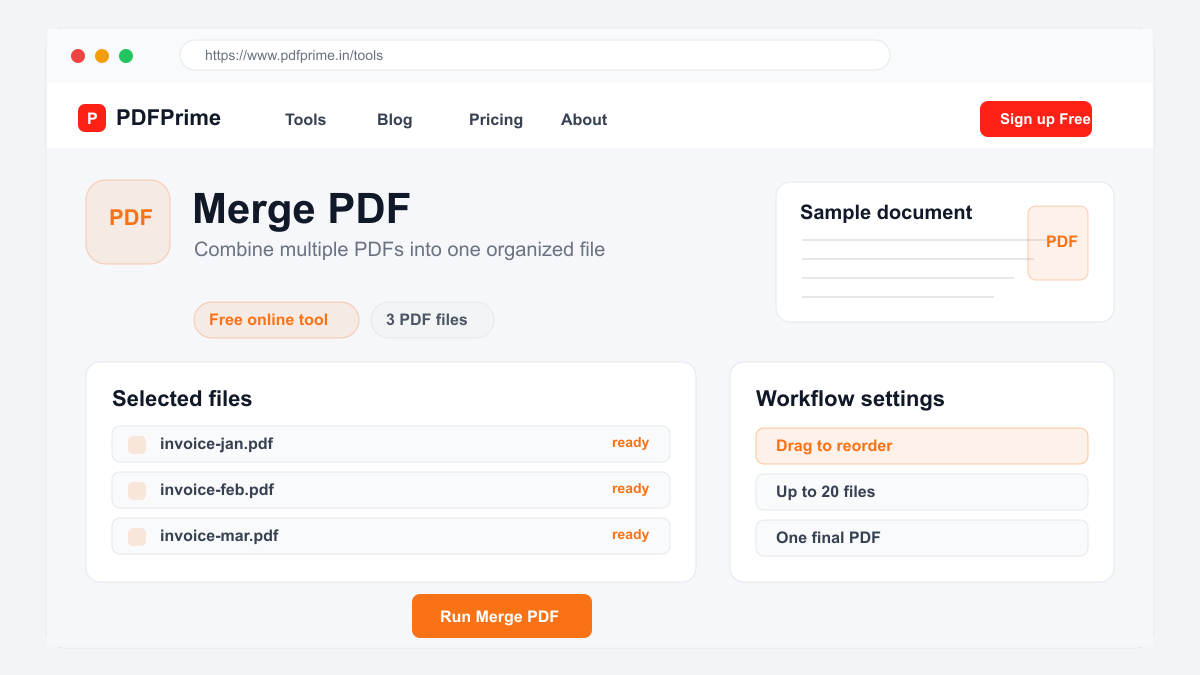
Drag and drop files to arrange them in your preferred order. The final document will combine pages in the sequence you specify. You can remove files by clicking the delete icon next to each file. Once you are satisfied with the order, click the Merge button.
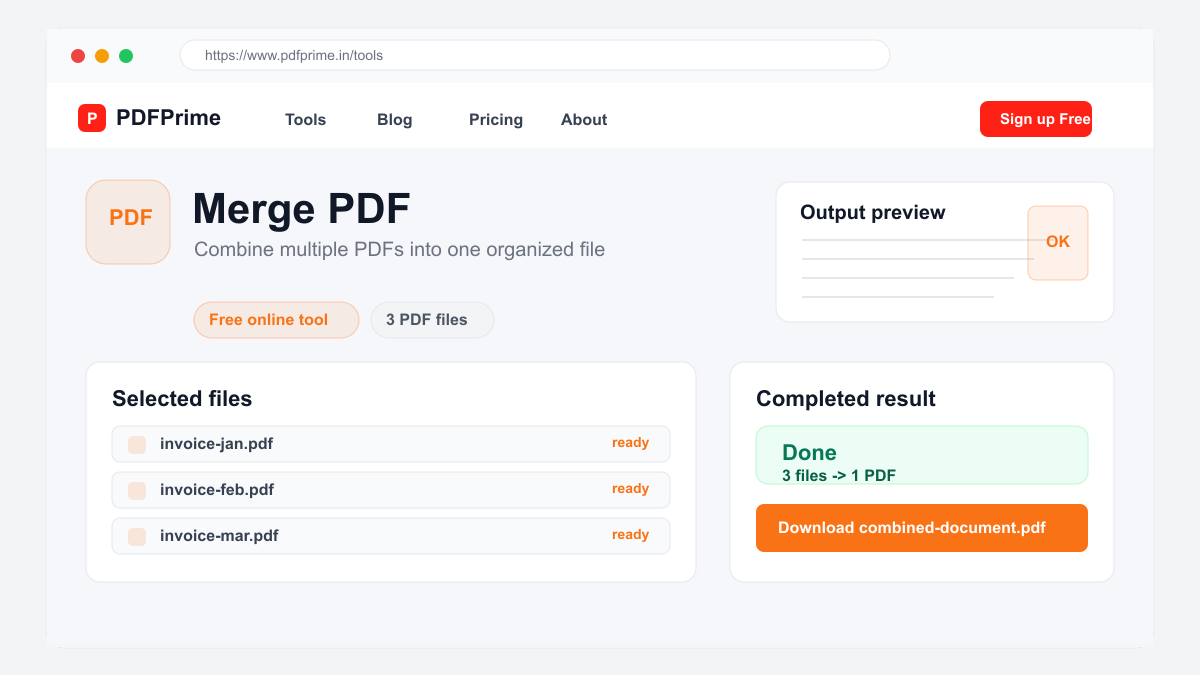
Our server processes your files quickly. The merged PDF is available for download through an expiring private link. Pages are combined without intentionally compressing your files, so the original appearance is generally preserved.
What Happens When You Merge PDFs
When you merge PDFs, pages from all uploaded files are combined into a single document in the order you specified. Each page retains its original content, resolution, and formatting in the merged output.
The merged PDF file size is approximately the sum of the source file sizes. If you need a smaller file, use our Compress PDF tool after merging. If you need to reorder pages after merging, use our Split PDF tool to extract pages and merge them again in the correct order.
Common Merge PDF Use Cases
Students merge research papers, assignment sheets, and reference materials into one document for submission. Teachers combine lesson plans, worksheets, and answer keys into a single PDF for each class. Legal professionals consolidate contracts, exhibits, and case documents into organized case files.
Business professionals merge presentation handouts, financial statements, and project reports for client delivery. Real estate agents combine property documents, disclosure forms, and inspection reports. Accountants consolidate invoices, receipts, and financial statements for audit preparation.
Security & Privacy
Your files are transferred over HTTPS during upload and processing. The merged document is available through an expiring private download link. Files are scheduled for deletion after the download window. We do not read, store, or share your documents with third parties.
Frequently Asked Questions
Can I merge more than two PDFs at once?
Yes, you can upload and merge up to 20 PDF files in a single session.
Will quality reduce after merging?
No, merging does not affect quality. Each page retains its original resolution, fonts, and formatting without any compression or loss.
Can I rearrange pages before merging?
Yes, you can upload files in any order and drag them to rearrange before clicking the merge button.
Does the merger support scanned PDFs?
Yes, scanned PDFs are supported. The merger combines pages as-is without re-encoding, so scanned images remain at original appearance.