How to Sign a PDF Document Online — Free Digital Signature Tool
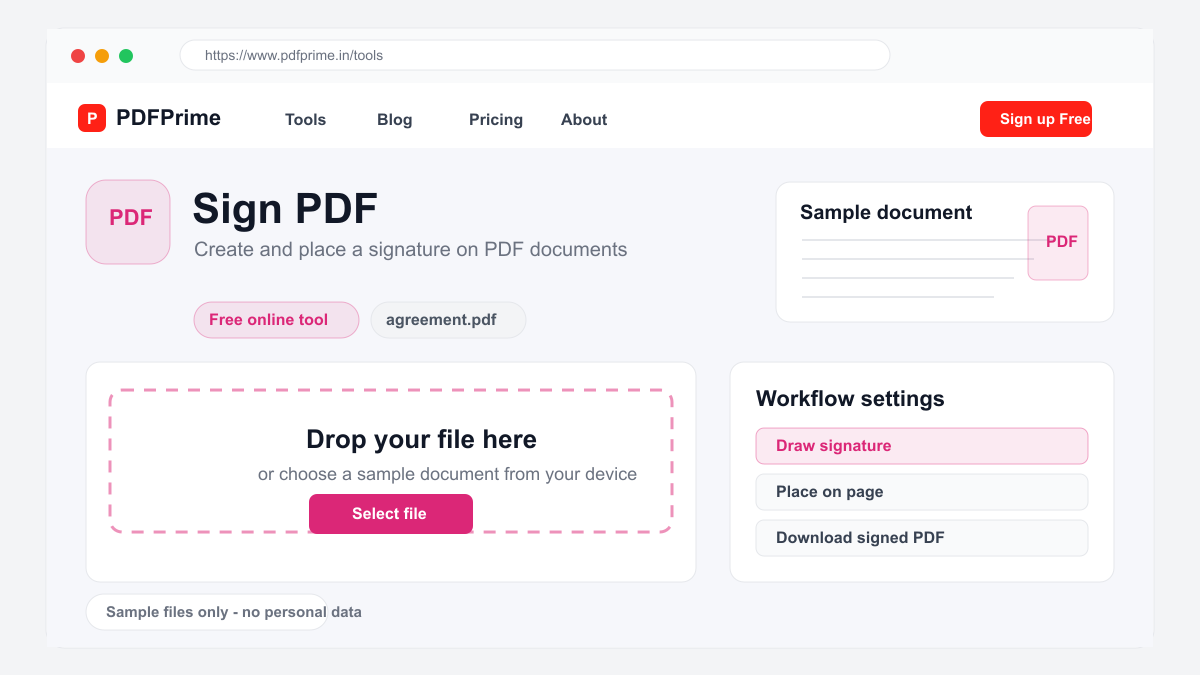
Learn how to add a digital signature to any PDF document online for free. Draw, type, or upload your signature quickly.
Why Sign PDFs Digitally?
Printing a document, signing it with a pen, scanning it back, and emailing it takes 10-15 minutes per document. Digital signatures reduce this to under 30 seconds. Whether you are signing a rental agreement, an employment contract, a nondisclosure agreement, or a purchase order, signing PDFs online saves significant time.
Digital signatures on PDFPrime are legally valid for most business purposes. The signature is embedded directly into the PDF file, meaning it stays with the document even when printed or shared. Unlike pen-and-paper signing, digital signatures cannot be easily forged or tampered with.
How to Sign a PDF in Three Steps
Go to PDFPrime Sign PDF tool at www.pdfprime.in/tools/sign-pdf. Upload your PDF document by clicking the upload area or dragging and dropping. The tool accepts PDF files up to 100MB and works with any type of document.
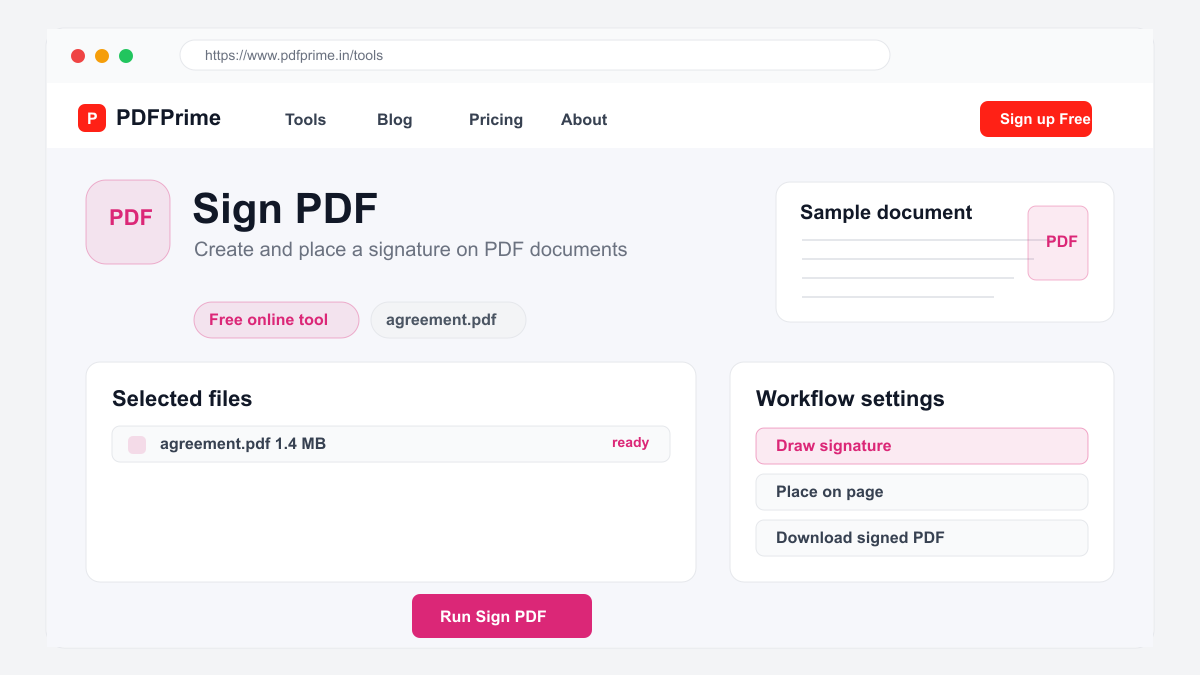
Choose your signature method. Draw your signature using a mouse or touchpad for a personal handwritten look. Type your name and select a cursive font style for a clean professional signature. Upload an image of your signature from a saved file for the most authentic appearance.
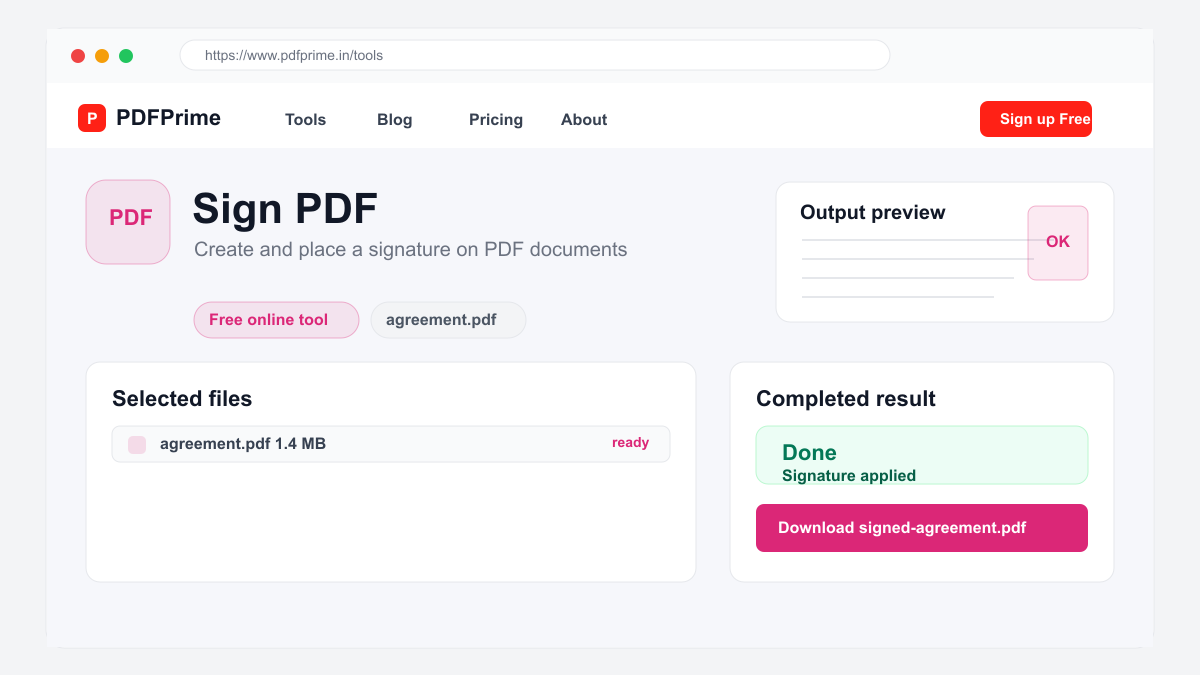
Place your signature on the document by clicking where you want it to appear. You can adjust the size and position. Once satisfied, click the Sign button. The signed PDF is available for download immediately through an expiring private link.
Signature Types and Best Practices
Drawn signatures look most personal and are ideal for contracts, agreements, and personal documents. Use a mouse, touchpad, or stylus to create your signature. Practice a few times to get a smooth result before applying it to your document.
Typed signatures with cursive fonts are professional and consistent. They work well for business documents, invoices, and official correspondence. The cursive font mimics handwriting without requiring a steady hand or stylus.
Uploaded signature images give you the most authentic look. Sign a piece of paper, scan or photograph it, crop the signature area, and upload it. This method reproduces your exact pen signature on every document you sign.
Common Use Cases for PDF Signing
Real estate agents use digital signatures for lease agreements, property disclosures, and closing documents. HR professionals collect signed offer letters, tax forms, and policy acknowledgments. Freelancers and contractors sign service agreements and project proposals.
Small business owners sign purchase orders, vendor agreements, and client contracts. Students and parents sign permission slips, enrollment forms, and consent documents. Nonprofit organizations collect signed waivers and volunteer agreements digitally.
Security & Privacy
Your files are transferred over HTTPS during upload and processing. The signed document is available through an expiring private download link. Files are scheduled for deletion after the download window. We do not read, store, or share your documents or signature images with third parties.
Frequently Asked Questions
Is a digital signature legally binding?
Digital signatures are legally valid for most personal and business purposes under the ESIGN Act and similar laws in most countries.
Can I sign on a specific page?
Yes, you can click on a specific page of the document and place your signature in the preferred area.
What signature formats are supported?
You can draw with mouse/touchpad, type in cursive font, or upload an image of your signature.
Can I add multiple signatures?
Currently one signature placement is supported per session. For multiple signatures, process the document again.