How to Unlock a Password Protected PDF — Remove PDF Security Online
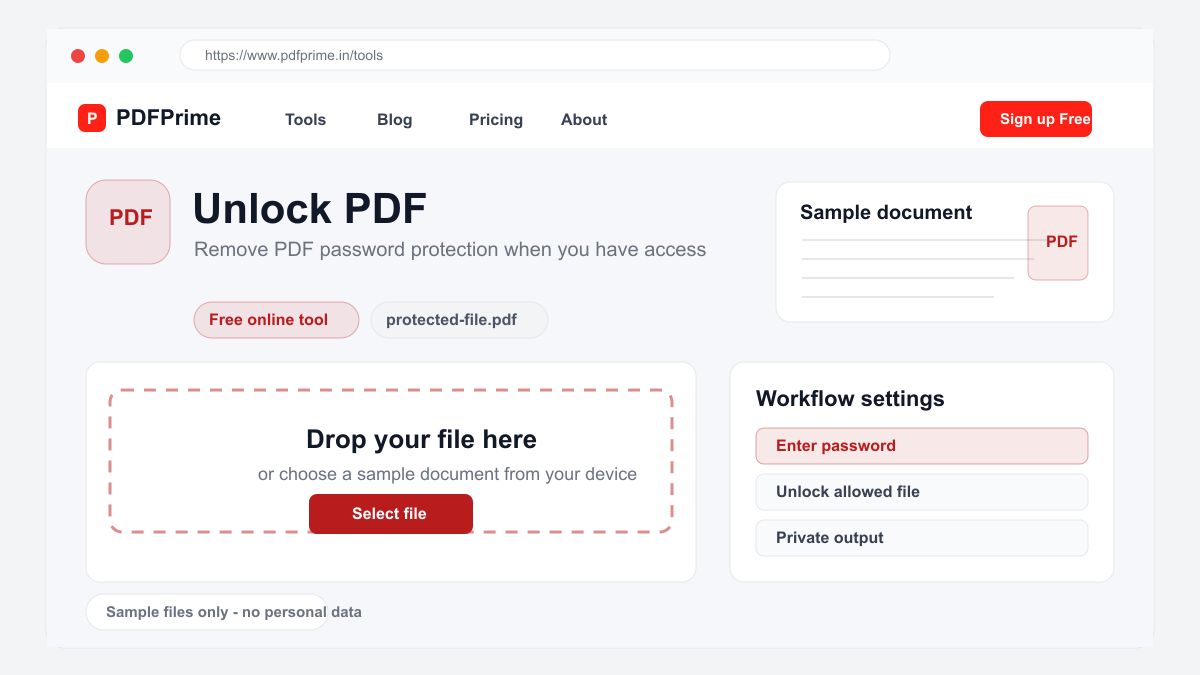
Learn how to remove password protection from PDF files online for free. Unlock restricted PDFs when you have the correct password.
Why Remove PDF Password Protection?
Password-protected PDFs are secure but inconvenient for daily use. Entering a password every time you open a document slows down your workflow. When sharing a document internally where security is less critical, removing the password makes distribution easier without requiring recipients to enter credentials.
Common scenarios include removing passwords from archived documents that no longer contain sensitive information, preparing documents for public distribution, and eliminating password prompts for frequently accessed internal files. Our unlock tool makes this process quick and straightforward.
How to Unlock a PDF Online
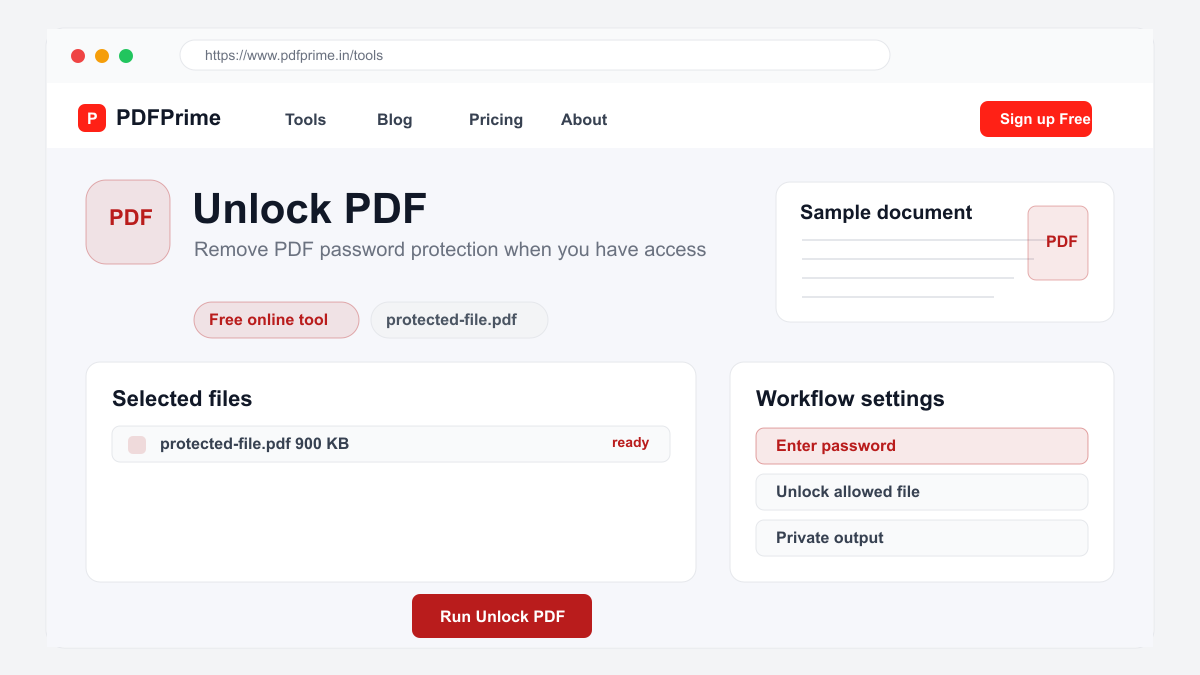
Go to PDFPrime Unlock PDF tool at www.pdfprime.in/tools/unlock. Upload your password-protected PDF file. The tool accepts password-protected PDFs up to 100MB.
Enter the current password for the document. The password is case-sensitive, so make sure caps lock is off. Click the Unlock button. The server processes your request and removes the password restriction.
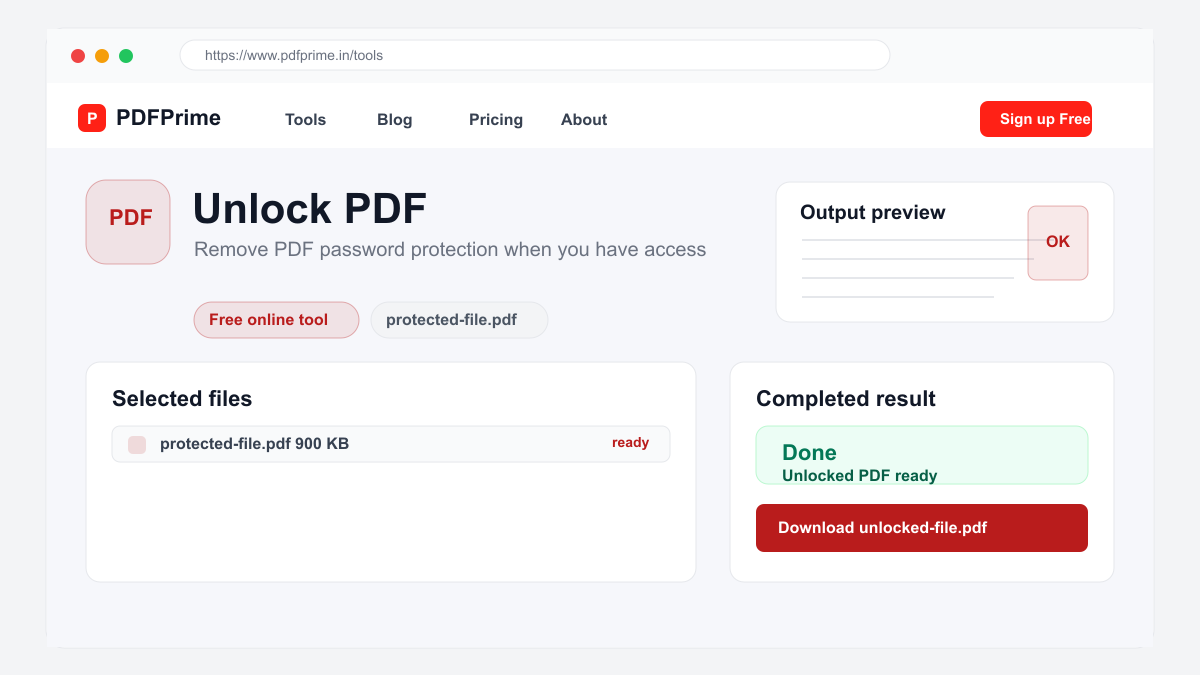
Download the unlocked PDF. The resulting file opens on any device without requiring a password. The content, formatting, images, and quality are identical to the original document. The only change is the removal of the password restriction.
Important Security Considerations
Only unlock PDFs that you own or have explicit permission to modify. Unlocking copyrighted or confidential documents without authorization may violate legal agreements or privacy laws. Always respect document ownership and copyright.
After unlocking, the PDF can be opened by anyone who has the file. Store unlocked documents securely, especially if they contain sensitive information. Consider using our Protect PDF tool to re-secure the document if needed after editing.
Keep a backup of the locked PDF file. Once unlocked, you cannot restore the password protection unless you re-apply it using our Protect PDF tool. Store the original locked version if you might need the security restriction again.
Types of PDF Locks and Compatibility
Owner password locks restrict printing, copying, and editing but allow viewing. User password locks require a password to open the document at all. Our Unlock tool handles both types when you provide the correct user password.
The tool is compatible with PDFs protected by Adobe Acrobat, Microsoft Office, PDF printers, and most standard PDF protection tools. If a PDF was created with specialized enterprise DRM software, you may need the original software to remove protection.
Security & Privacy
Files are transferred over HTTPS, and output links expire after the configured download window. We do not store, log, or share your passwords. The unlocked file is available for download only to you.
Frequently Asked Questions
Can I unlock a PDF without the password?
No, the tool requires the correct password. PDF encryption is designed to be secure with no backdoor or recovery method.
Will unlocking affect the PDF content?
No, unlocking only removes the password restriction. All content, formatting, annotations, and pages remain unchanged.
What types of PDF passwords are supported?
The tool supports user passwords (required to open) from most standard PDF protection tools including Adobe Acrobat and Microsoft Office.
Can I re-lock the PDF after unlocking?
Yes, use our Protect PDF tool to apply a new password after unlocking the document.